Top 10 Best VPNs That Work in Russia in 2026
A VPN that works in Russia in 2026 needs to do more than change your IP address. It should withstand deep packet inspection, switch between servers quickly, and maintain usable speeds. Below is an honest editorial ranking of VPN services for different devices and use cases.

VPN availability can change quickly. A service may connect over home internet but fail on a mobile carrier. It is smart to keep two apps installed: one primary VPN and one backup. This ranking is current as of August 2026, but no provider can guarantee identical performance on every Russian network.
Содержание
- How we selected the VPNs
- Quick ranking
- Top 10 VPN services
- User feedback
- FAQ
- Final verdict
How We Selected the Best VPN for Russia
We focused on practical features:
- traffic obfuscation and resistance to DPI;
- stability on home and mobile networks;
- speeds for video and voice calls;
- apps for major platforms;
- ease of setup;
- privacy policies.
On heavily restricted networks, Stealth, Shadowsocks, AmneziaWG, and other traffic-masking modes are especially useful.
Quick Ranking of the Best VPNs for Russia
1. Ops VPN: the easiest option for an everyday user to set up. 2. AmneziaVPN: a private server with strong obfuscation. 3. AdGuard VPN: a convenient app for daily use. 4. Windscribe: a solid backup with Stealth mode. 5. Mullvad VPN: a privacy-focused choice. 6. Proton VPN: a free plan with unlimited data. 7. Surfshark: one subscription for many devices. 8. ExpressVPN: a straightforward premium option. 9. NordVPN: plenty of features and obfuscated servers. 10. hidemy.name VPN: a simple service with Russian-language support.
1. Ops VPN: Best VPN That Works in Russia

Ops VPN takes first place because setup starts through its official Telegram bot. Users receive a configuration, select a country, and follow the instructions. Its public listing mentions OpenVPN and WireGuard support, while the bot advertises free access.
Pros:
- management through Telegram;
- simple setup;
- country selection;
- advertised free access.
Cons:
- limited public information about audits and data retention;
- Telegram is required for setup;
- performance depends on the carrier or ISP.
It is a convenient choice for routine browsing. Before using it for sensitive data, review its current privacy policy. Sources: Ops VPN bot and app listing.
2. AmneziaVPN: Best for a Private Server
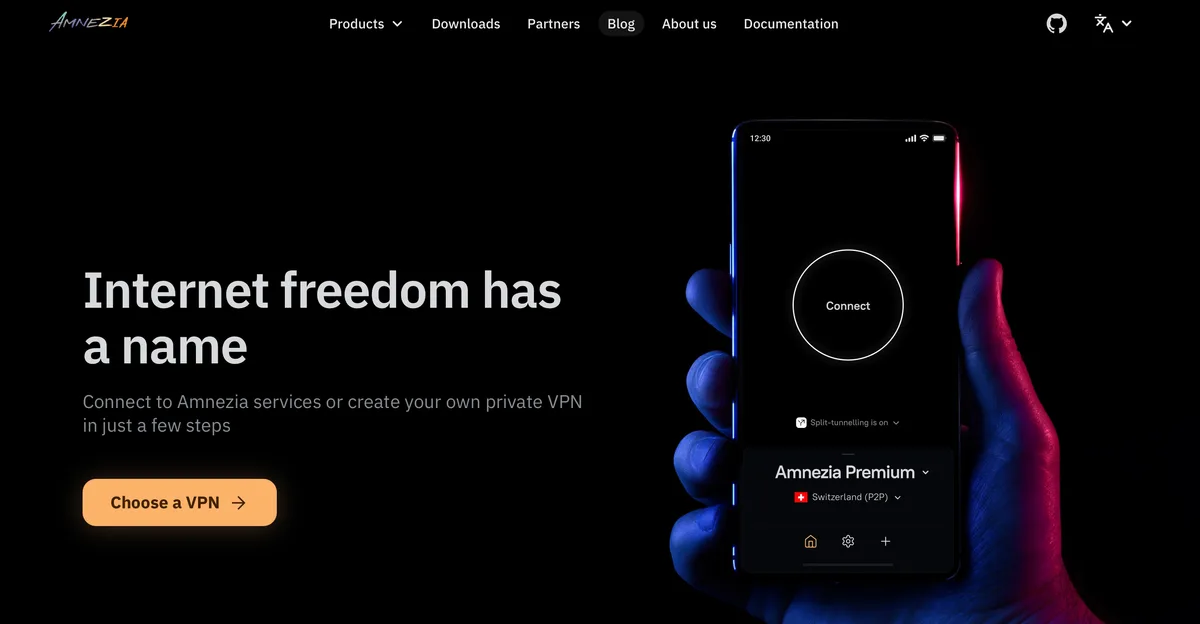
AmneziaVPN installs a personal VPN on a rented VPS. Its AmneziaWG protocol changes recognizable WireGuard patterns, making the connection harder for DPI systems to identify. Version 2.0 can imitate traffic such as QUIC and DNS.
Pros:
- server control,
- speed,
- open-source code,
- and modern obfuscation.
Cons:
- requires a VPS, and performance depends on the hosting provider.
Technical details are available in the AmneziaWG documentation.
3. AdGuard VPN: Convenient for Everyday Use

AdGuard VPN combines a straightforward interface with a proprietary protocol. The provider warns that IKEv2 connections on routers may be restricted in Russia, so its official desktop and mobile apps are generally the better option.
Pros:
- Russian-language interface,
- major platforms,
- and a limited free tier.
Cons:
- free-plan limits and potential router issues.
Source: AdGuard VPN support.
4. Windscribe: A Reliable Backup VPN
Windscribe's Stealth mode places OpenVPN traffic inside an SSL tunnel, making it resemble regular HTTPS traffic. Users can connect through port 443, which is widely used by secure websites.
Pros:
- Stealth mode,
- a free plan,
- and flexible settings.
Cons:
obfuscation may reduce speed.
The feature is explained in the Windscribe knowledge base.
5. Mullvad VPN: Built Around Privacy
Mullvad does not require an email address to create an account. For restricted networks, it offers WireGuard obfuscation through Shadowsocks and publishes specific connection guidance for Russia.
Pros:
- minimal personal information and open-source apps.
Cons:
- no free plan and weaker streaming support.
Source: Mullvad's restrictive-network guide.
6. Proton VPN: Unlimited Data on the Free Plan
Proton VPN offers a free plan without data caps or ads. Its Stealth protocol can help on filtered networks, although availability still varies by carrier and ISP.
Pros:
- unlimited free data,
- Stealth mode, and a strong reputation.
Cons
- few free locations and possible connection instability.
Plan details are available on the Proton VPN website.
7. Surfshark: Best for Families and Many Devices
One Surfshark subscription can cover many devices. Its apps include a restricted-network mode, protocol selection, split tunneling, and tracker blocking.
Pros:
- many simultaneous connections and a simple interface.
Cons:
- no full free plan and payment from Russia can be difficult.
8. ExpressVPN: Minimal Manual Setup
ExpressVPN is known for convenience. Its Lightway protocol reconnects quickly when moving between Wi-Fi and mobile data, while obfuscation helps disguise VPN traffic.
Pros:
- quick setup,
- apps for major platforms,
- and router support.
Cons:
- high price and potential payment difficulties.
9. NordVPN: Feature-Rich, but Keep a Backup
NordVPN offers obfuscated servers, the fast NordLynx protocol, and malicious-domain blocking. Availability in Russia changes, so review the refund terms before buying a long subscription.
Pros:
- polished apps and a large server network.
Cons:
- inconsistent access and international payment requirements.
10. hidemy.name VPN: Russian-Language Support
hidemy.name provides Russian-language instructions and apps for popular devices. During new blocking campaigns, it may be less resilient than services using newer obfuscation methods.
Pros:
- Russian interface and simple installation.
Cons:
- limited public technical information.
User Feedback
The comments below summarize recurring public feedback. They are not invented quotes or attributed testimonials.
- Ops VPN: users like the fast bot-based setup but want more privacy information.
- AmneziaVPN: self-hosted users report good stability, while beginners find VPS setup less familiar.
- AdGuard VPN: the interface gets positive feedback, although users sometimes need to switch locations.
- Windscribe and Proton VPN: the free plans work well as backups, but speeds may be lower.
- International VPNs: users value their polished apps but criticize payment difficulties.
Final Verdict
Ops VPN ranks first for its simple Telegram-based setup. AmneziaVPN provides more control, AdGuard VPN is convenient for everyday use, and Windscribe or Proton VPN can serve as a backup. Do not buy a long subscription before testing the service. Check it on both home internet and a mobile SIM. A practical setup for 2026 includes one primary VPN, one backup, and locally saved installers in case an app disappears from a regional app store.